User purposefully disturb the application by some predefined techniques or methods. It is used to validate if mobile application performs as expected after the interrupt or during interrupt.
Call Interrupt:
During the application run user received a call it is known as call interrupt. In this method user needs to verify that application must behave properly once call is over and all the functionality application should be working. Application must not crash after the call end or during the call, application should get minimize and after the call ends use should be able to resume the application without any crash or performance issue.

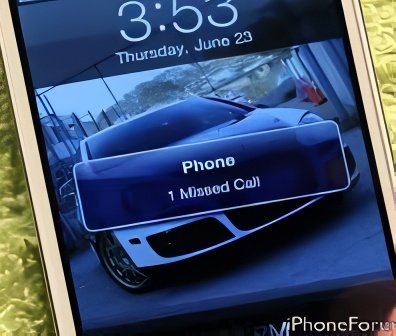
Miss call Interrupt:
This can be also consider as a sub-part of Call Interrupts, in this method user gives a miss call for short period of time and verify if any crash or any type of performance issue occurs in application. This method can be used thought the application to judge the performance of application. Tester need to insure that application should not end abruptly.
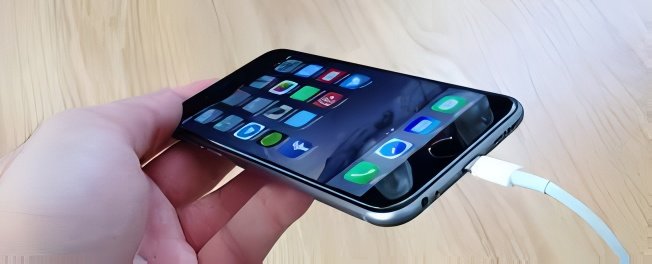
Charger Connect/Disconnect:
In this method user connect and disconnect charger to the mobile device multiple times during application is running and check the application is performing as expected. The charger connection and disconnection notification should appear in the mobile and it should not disturb the application process.
Head Phone Connect/Disconnect:
This method is similar to charger connect/Disconnect; this method is also done multiple times during application run and in different section of the application. Head phone connect and disconnect notification should appear in the mobile and it should not disturb the application process
USB Cable Connect/Disconnect Interrupt:
In this method user connect and disconnect the USB cable randomly and check if the application is running smoothly. The purpose of this testing is to verify that the notification should appear when user attached the USB cable and application should get pause and when user remove the cable then application should resume from where it was. This testing is need to be done in the various section of the application.

Home Button Interrupt:
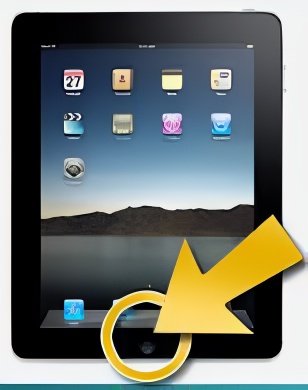
While the application is running and user taps on Home button of mobile in this case application must get minimize, when user again tap on the application icon it should resume from where it was. For Example if a video is playing in your application and user taps ‘Home’ button of mobile then application should get minimize and when user again taps on the application icon then it should resume with the video.
Lock and Unlock Interrupt:
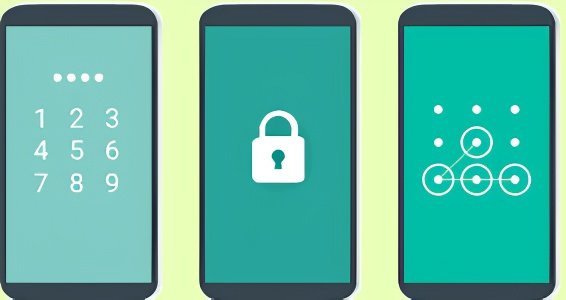
In our smart phone we have a feature to Lock/Unlock our mobile screen. When the application is running user purposefully lock the screen by click on the lock button in mobile and when user unlock the screen then application should resume from where it was. The purpose of the testing is to make insure that application should start from that screen only where user left it before locking the mobile
Third Party application Call Interrupt:
Now a days there are various applications which provide user to call through Internet i.e. Skype, Whatsapp. In order to check the application behavior user can use this kind of third party tool and interrupt to application.

Other Application Notification Interrupt:
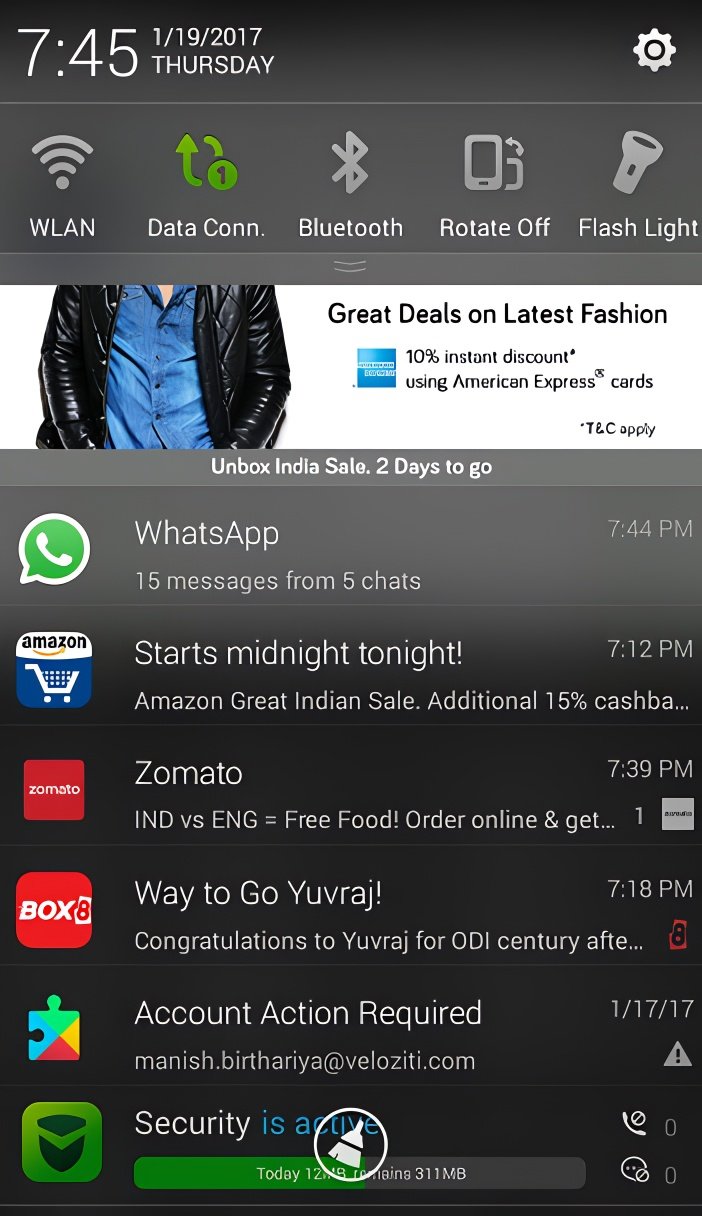
Sometime when the application is running notification may arrive i.e. update your software. These type of interrupt may crash our application or slow down the application process.
Battery Removal:
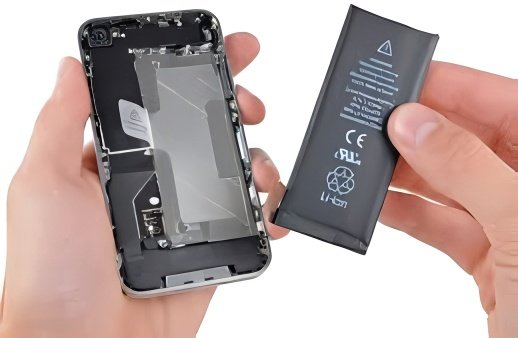
Removing Battery is another type of Interrupt which is performed when the application is running to check how the application perform when the mobile is rebooted and the application is run again. Now a days OEMs are manufacturing the devices which have Non removal battery, so tester can save there time ( :
No Internet Connection:
This is most popular technique used in Interrupt testing. In this testing user perform testing in very low net connect and gradually move to a location where your mobile don’t have any internet connection. In this technique user may switch from WIFI to mobile network or vices versa.User may also test application in Low mobile network to High mobile network.